FAQ’s
We’ve put together some commonly asked questions to help you navigate the ACMA Member portal.
If you have a question that you can’t find the answer to, please use the contact us page.

We’ve put together some commonly asked questions to help you navigate the ACMA Member portal.
If you have a question that you can’t find the answer to, please use the contact us page.
How do I renew my membership?
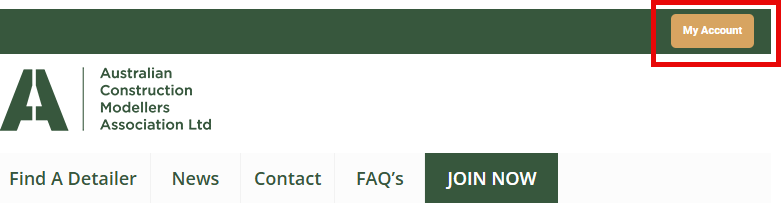
1. Click on My Account in the top bar of the website.
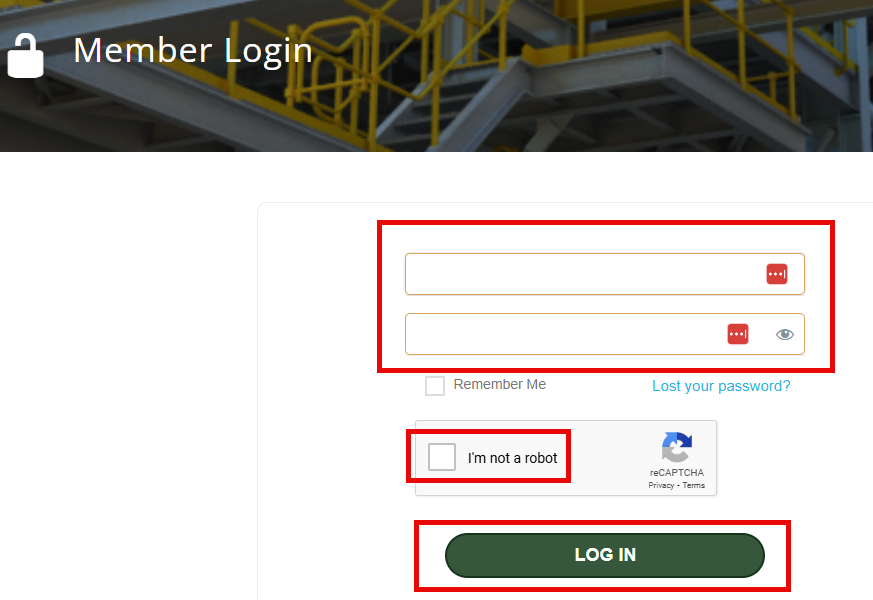
2. Enter your Username and Password. Then tick the I’m not a robot box and press Log In.
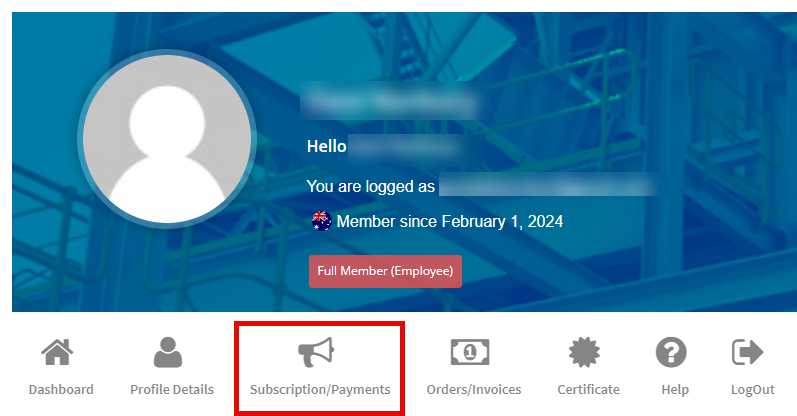
3. In the menu area, select Subscription/Payments.
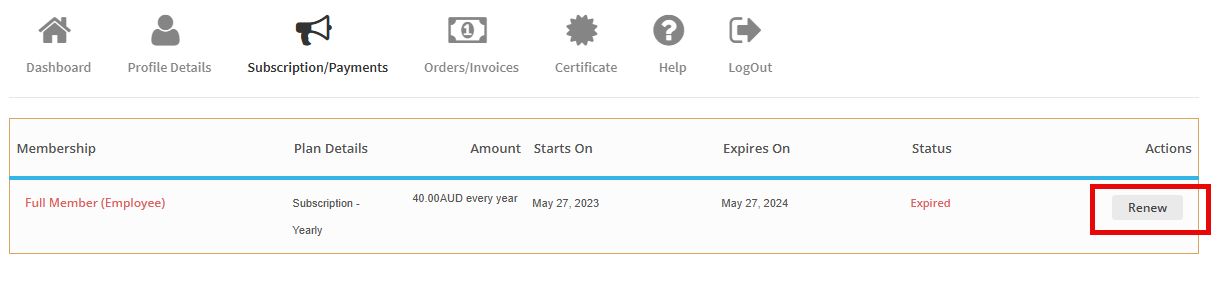
4. Under the Actions column, select Renew.
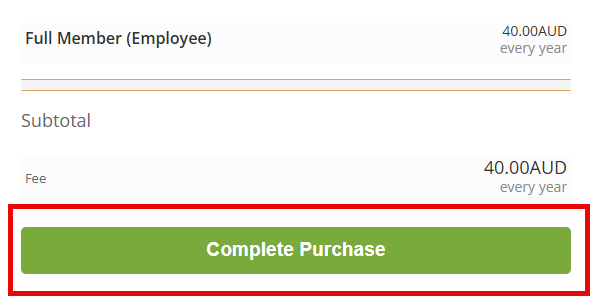
5. Press Complete Purchase.
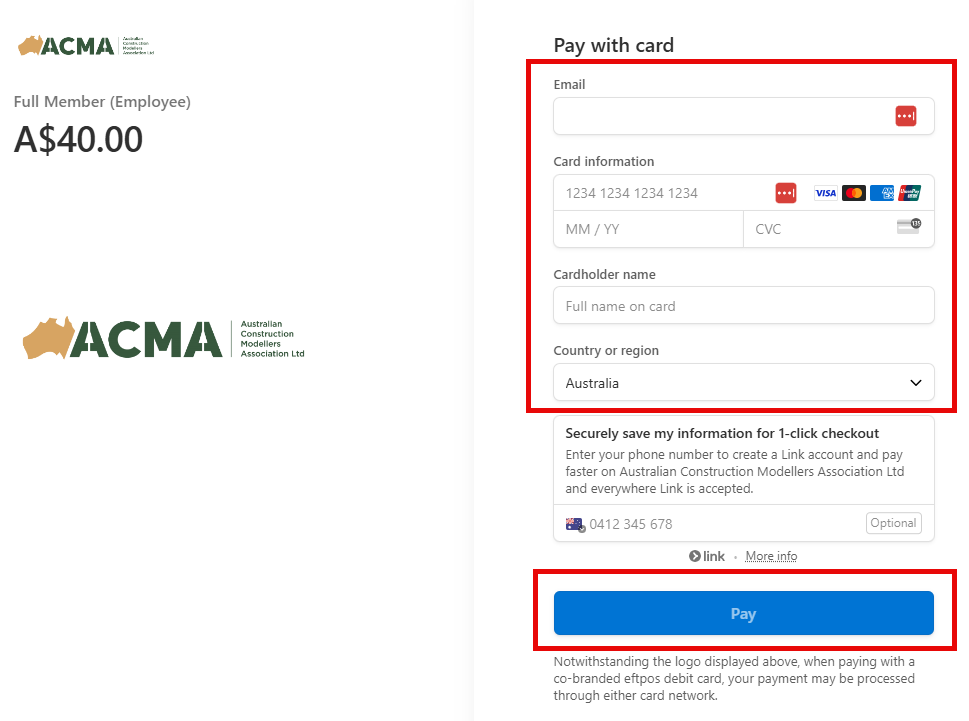
6. Enter your card details, then press Pay.
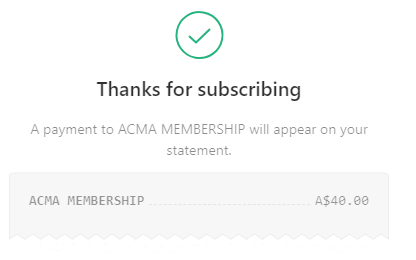
7. A message like this may appear, along with an email with links to download a copy of the invoice and certificate.
Where do I find my invoice?
1. Click on My Account in the top bar of the website.
2. Enter your Username and Password. Then tick I’m not a robot box and press Log In.
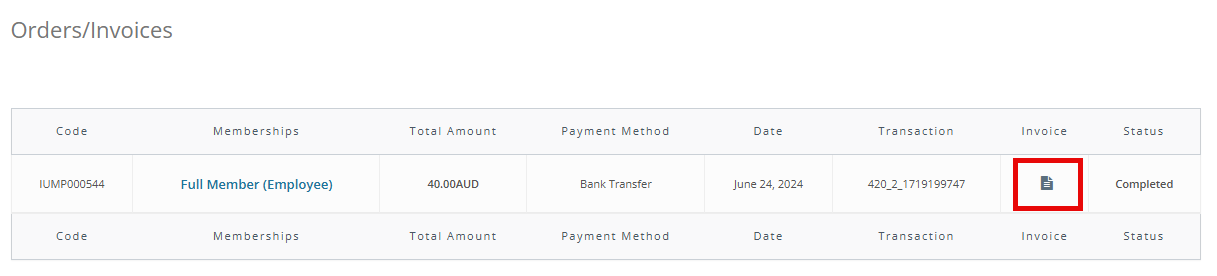
3. In the menu area, select Orders/Invoices.
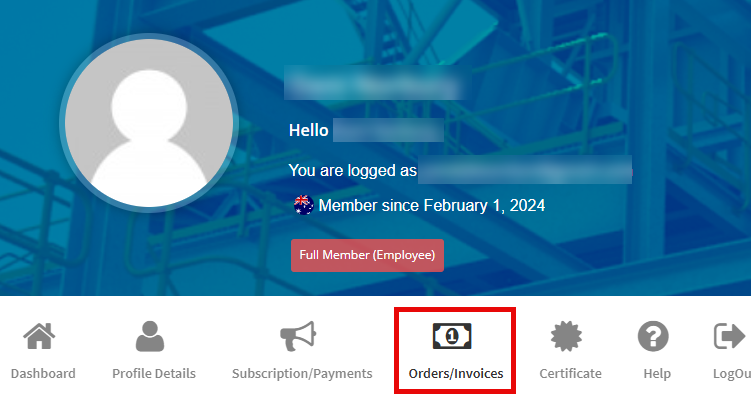
4. Under the Invoice column, select the document image to download your invoice.
Please note that your membership payment must be received for the invoice to be available to download.
Where do I find my certificate?
1. Click on My Account in the top bar of the website.
2. Enter your Username and Password. Then tick I’m not a robot box and press Log In.
3. In the menu area, select Certificate.
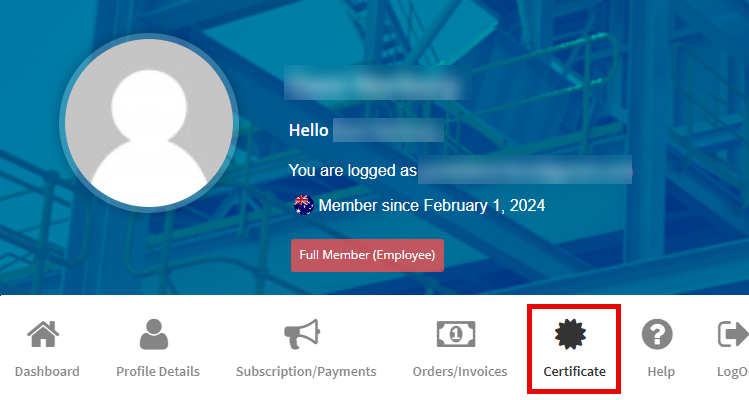
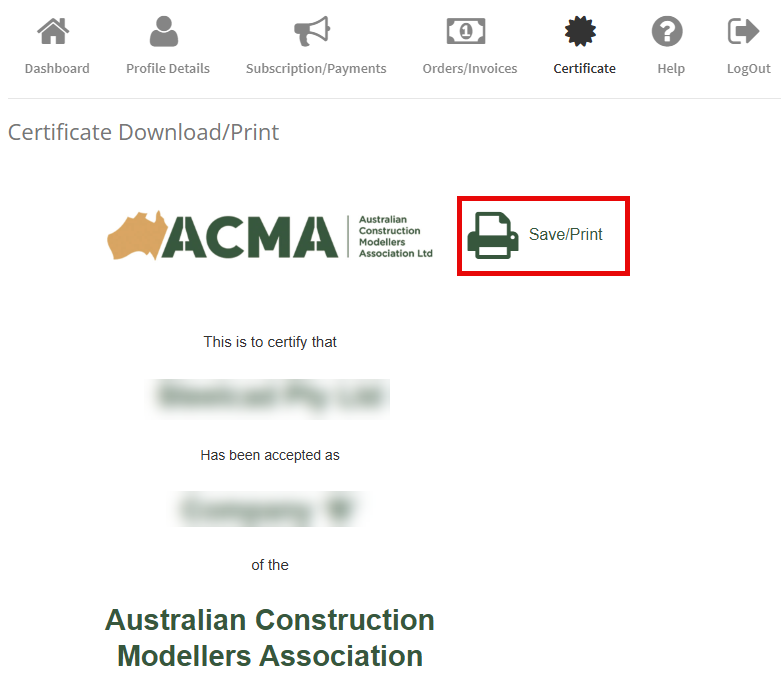
4. You certificate should now appear below the menu area. Click on the Save/Print icon to download and print your certificate.
Please note that your membership payment must be received for the certificate to be available to download.
How can I update my member profile details?
1. Click on My Account in the top bar of the website.
2. Enter your Username and Password. Then tick the I’m not a robot box and press Log In.
3. In the menu area, select Profile Details.
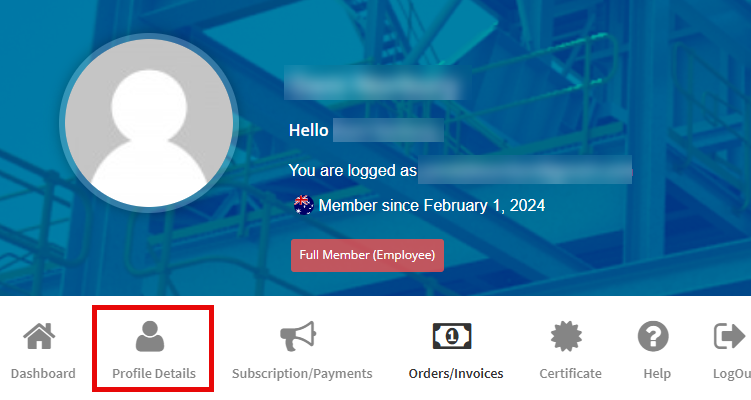
4. Update the contents then press Save Changes.
How can I edit my company details that show up in the Find A Detailer page?
1. Click on My Account in the top bar of the website.
2. Enter your Username and Password. Then tick the I’m not a robot box and press Log In.
3. In the menu area, select Profile Details.
4. Update the contents then press Save Changes.
5. Go to the Find A Detailer page and check that your company contents have been successfully updated.
What do I do if I forgot my password?
1. Click on the Lost your password link
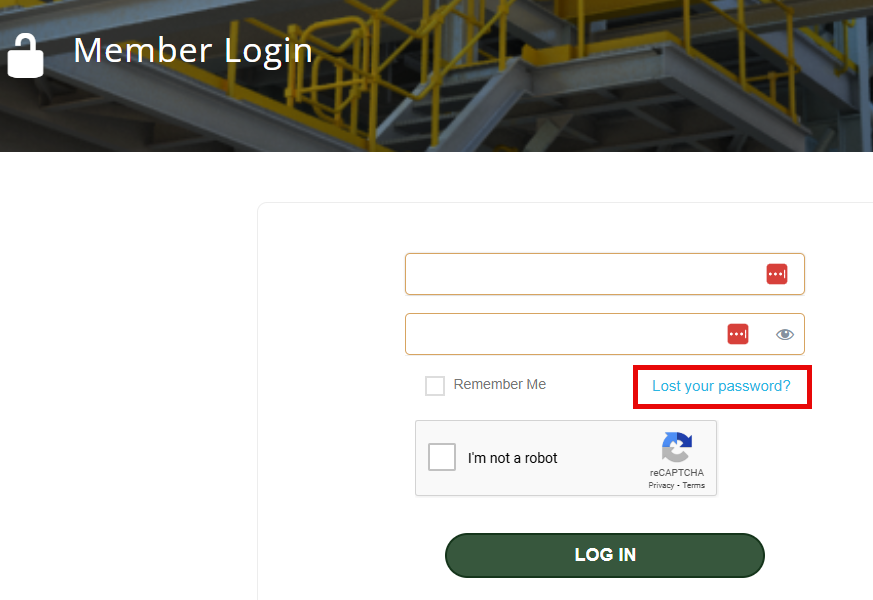
2. A new generated Password will be sent via Email. If the email does not appear in your Inbox, please check your spam and junk folders.
Please allow up to 5 minutes for this email to arrive.
3. Or, contact info@austcma.org.au